
SLASCONE supports the following internal identity providers (idP), which is a modern and secure identity management system for customer facing applications.
Azure AD B2C
Microsoft Entra External Id (default, successor of Azure AD B2C)
SLASCONE supports integration with all identity providers that offer standards-compliant OpenID Connect (OIDC) capabilities through federation. This includes, for example, Microsoft Entra ID, Auth0, Okta, and other commercial or custom identity providers. In such scenarios, user authentication is performed by the upstream identity provider, while the application continues to rely on the configured federation layer for the sign-in flow and token issuance. This approach enables flexible enterprise SSO scenarios without requiring a direct, custom integration for each individual identity provider.
In the context of SLASCONE, access management and federation options need to be considered separately for its 3 different portals:
Vendor Portal
Customer Portal
Reseller Portal
ENTRA ID vs ENTRA EXTERNAL ID
Microsoft Entra External Id is a separate service from Entra Id (Azure AD). It is built on the same technology as Entra Id, but for a different purpose. It allows businesses to build customer facing applications, and then allow anyone to sign up into those applications with no restrictions on user account.
The main reason SLASCONE uses Entra External Id is because of the Customer and Reseller portal. Your employees might exist in your Entra Id, but your customers and reseller do not.
VENDOR PORTAL
Entra External Id offers a native login mode, which means that you can send an invitation to any of your employees, and request them to create a new account (signup).
However, if your organization is using Entra Id, it is more meaningful to enable a federation between your existing Entra Id and SLASCONE's Entra External Id in order to provide a single sign on.
CUSTOMER AND RESELLER PORTAL
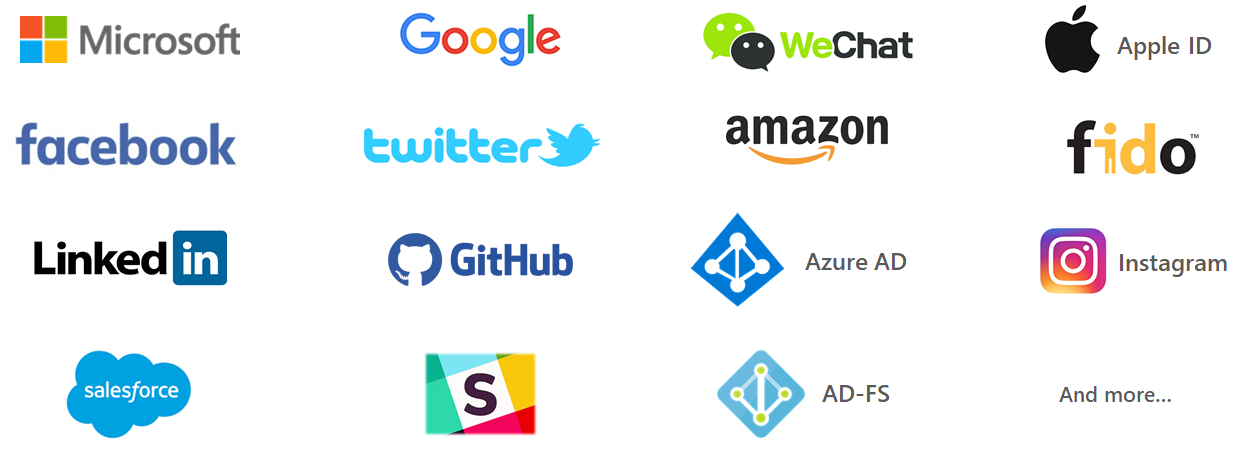
When you invite your customers or resellers to SLASCONE, they can use either the native login mode (signup), or they can even sign in with their existing social or enterprise accounts, without having to create a new account just for accessing SLASCONE. It is up to you to decide which social or enterprise accounts are allowed.
SINGLE SIGN-ON (ENTRA ID)
In private deployments, the single-sign-on is configured in the process of initial installation, as described here.
In SaaS environments (my.slascone.com), you can connect your Entra ID by simply providing your tenant ID in the Administration area (this article explains how/where to find your Microsoft Entra tenant ID).
Once you have done this, there are two (independent) ways to access the portal:
my.slascone.com: native accounts
my-entra.slascone.com: single sign on (Entra ID accounts)
The first SSO login will create an Entra ID Enterprise Application. An Entra ID Administrator might (depending on the default settings) have to explicitly assign users to the application.
Here you will find a description of how the registration and login process works: HOW DOES THE USER REGISTRATION AND SIGN IN PROCESS WORK?
Comments
0 comments
Please sign in to leave a comment.